Everything Scrubjay does with your footage
Search your local video library by what was said, auto-surface the best moments in hours of footage, and export clips and load them up into your editor — all on-device, no uploads.
Search
Search your entire local video library by what was said
Scrubjay transcribes and analyzes the videos on your device or NAS, turning your footage into something you can actually search. Instead of scrubbing blindly, type what you remember — a phrase, a topic, a name — and jump straight to the moment it happened.
Your library stops being a black box. Whether it's a single long recording or years of archived footage, you can find exactly what you're looking for in seconds.
Key moments
Automatically find the highlights in hours of footage
Scrubjay surfaces key-moment suggestions across your library so you can find clippable content fast — the laugh, the standout reaction, the witty quip you'd forgotten was even there.
Each suggestion comes with a confidence score built from signals like sustained energy, spikes in excitement, and laughter, so the most promising moments rise to the top instead of getting buried in the timeline.
Navigate
Navigate long recordings with a smart, insight-rich timeline
Scrubjay's smart timeline focuses your attention on the most promising parts of a video. At a glance you can spot where the energy is — no more dragging the playhead back and forth hoping to land on something worth keeping.
It turns hours of raw footage into a map you can read, so your time goes into creative decisions rather than hunting.
On-device
Runs entirely on your device — no uploads, no cloud
Scrubjay runs locally, so your videos stay put. There are no uploads to the cloud, no file-size limits, and no storage lifetimes to worry about. You decide how your library is organized.
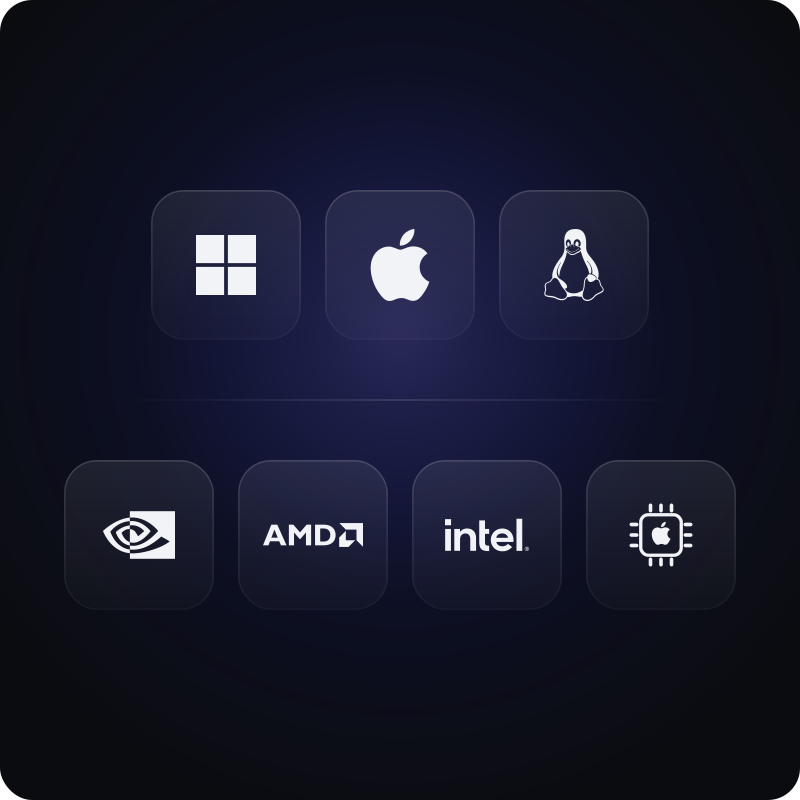
It works across Windows, macOS, and Linux, and reads footage right from your device or a connected NAS.
Privacy
Private by design: your footage never leaves your machine
Your videos are personal, and Scrubjay treats them that way. Because everything runs on-device, we do not collect or retain data from your videos, period. Your content is simply none of our business.
Privacy isn't a setting you have to find and switch on — it's the default, baked into how the app works.
Performance
Fast enough to keep up: a 10-hour video in under 10 minutes
Scrubjay processes a 10-hour video in under 10 minutes on standard hardware, so you're never waiting long to start working. The more powerful your system, the faster it gets.
You can also choose your own tradeoff between speed and transcription quality by selecting from multiple transcription models to match your machine.
Hardware
Works with the GPU you already have — NVIDIA, AMD, or Intel
Scrubjay isn't opinionated about your graphics card. It's compatible with most modern GPUs, whether you run NVIDIA, AMD, or Intel, so you don't need specialized hardware to get started.
It adapts to what you have and scales up as your setup does.
Workflow
Export moments straight into your favorite editor
Once you've found the moments worth keeping, export them and load them into your video editing software and keep moving. Select exactly which moments to export and where they should land.